LegalType
(4)
Offers LawNext Promo
Last Updated: September 9th, 2026
LegalType Overview
Description
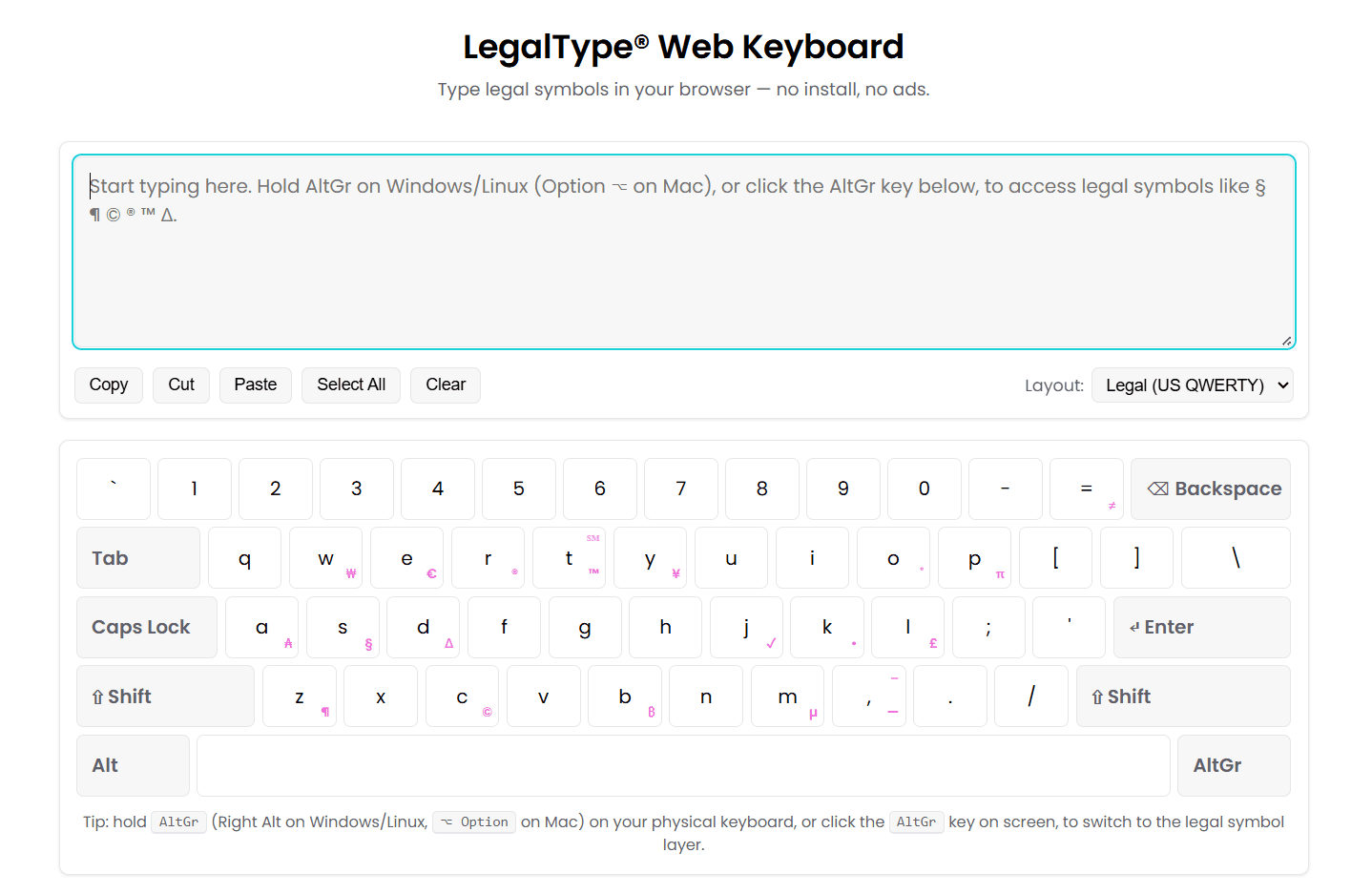
LegalType lets you draft legal documents simply by typing—without switching tools, opening extra windows, or interrupting your workflow. It runs quietly in the background and works directly inside tools you already use, like Microsoft Word or your browser, without taking up screen space. It does not change how you work. It fits into your existing drafting process—so everything feels the same, just faster and more capable. LegalType works with any keyboard and requires no specialized hardware. A free web version is available at web.legaltype.com.For whom is this product intended?
LegalType is built for litigators, appellate lawyers, legal writers, and anyone who spends significant time drafting, editing, or formatting legal documents.How do you position yourself against competitors?
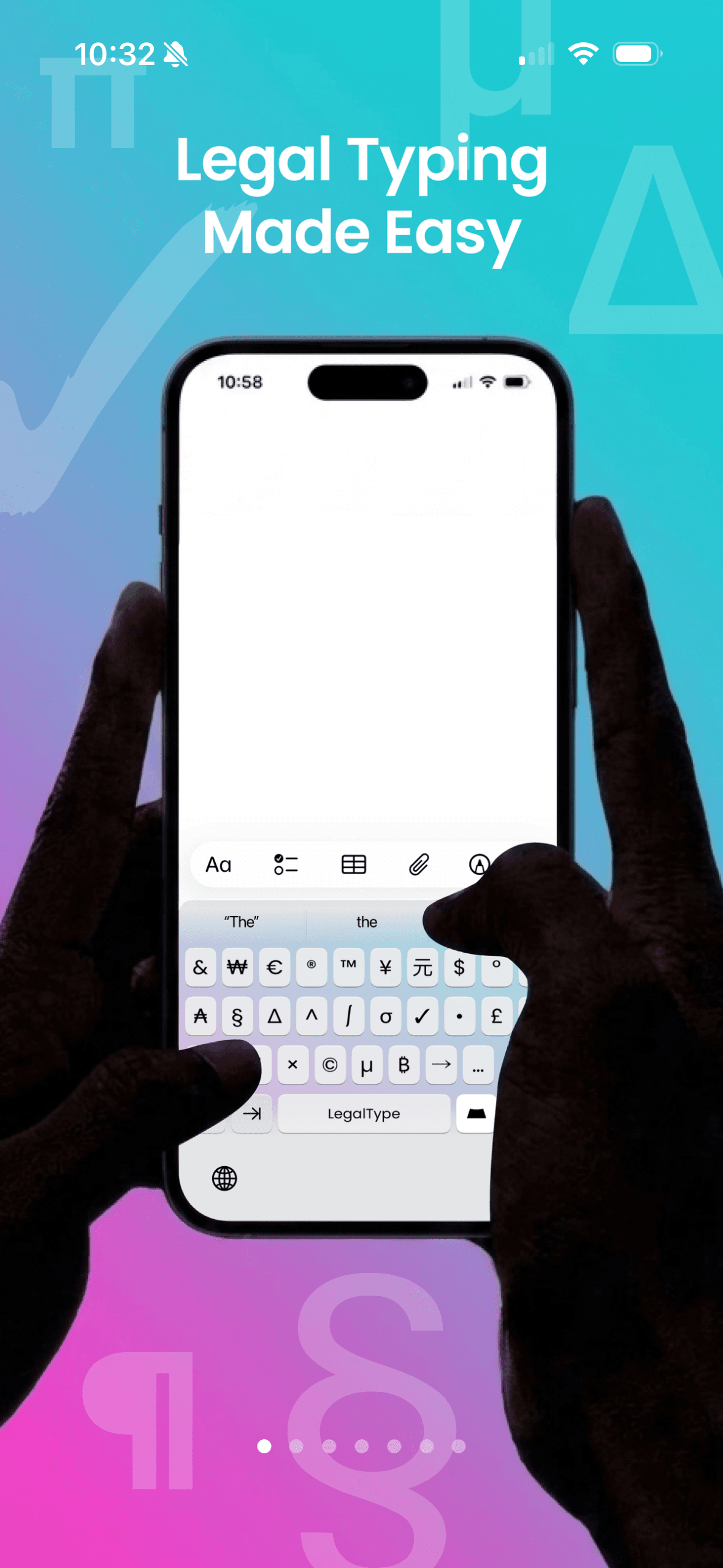
Most keyboards were designed for basic text—letters, numbers, and simple punctuation. That standard (ASCII) still shapes how we type today. It works well for everyday writing, but it does not support many of the characters legal work depends on, including: •Legal symbols (§ ¶ Δ π) •Currency symbols (€ £) Your computer can display these characters—but your keyboard cannot produce them easily. LegalType bridges that gap. It is not just a macro tool—it expands what your keyboard can do.Features
Full IT security risk assessment available upon request. Enterprise solutions include custom software and keycap printing. Please contact us for a demo: daniela@legaltype.com
Deployment
Cloud
Mobile
Desktop
On-Premise
Support
Chat
Email
Phone
Video
Training
Digital Resources
In-Person
Live (online)
Document Automation and Assembly
Automated Document Generation and Assembly
Collaboration Tools for Document Automation
Conditional Logic Support
Encryption in transit
Integrations with Document Management Systems
Language Support for International Languages
Process Automation
Templates - Create Documents and Forms from Existing Documents
Templates - Create New Documents and Forms from User Content
Integrations with CRM
Templates - Calculated fields support
Templates - Queries/Interviews Builder for User Inputs
Content Library Management
Integrations with Digital Signature Apps
Workflow Management
Integrations with Business Process Systems
Document sets/Packages Supported
Templates - Prebuilt Forms and Documents Included
Extranets or Portals for Document Sharing
Version Control
Templates
Contract Automation and Drafting (Through Signature)
Approval Process Management
Buyer/Seller Qualifications Tracking
Collaborative Drafting and Editing
Compliance Tracking
Completion Status Tracking
Contract Clause and Content Management
Contract Attachments Support
Contract Drafts - Review and Redlining
Contract Multi-Document Packages Support
Electronic and Digital Signature Integrations
Integrations with CRMs
Mobile Access to Contracts in Progress
Mobile Signature Capability
Pricing Integration
Proposal and RFP Generation
Quotes Preparation
Reports and Dashboards
Template and Forms Creation
Template and Forms Management
Templates - Prebuilt included
Version Control
Workflow Process Management
Contract Generation and Assembly from Templates, Forms and Clause Banks
Tracking, Alerts and Notifications - Workflow Status and Completion
Offline Access to Contracts in Progress
Document Review and Analysis
Intelligent Data Capture and Extraction with Batch Processing
Document Review and Evaluation for Due Diligence, Analytics and Reporting
Redaction
PDF Redaction
Microsoft Word Redaction
Microsoft Excel Redaction
Version Control
Workflow Automation
Conditional Workflows
Reminders and Notifications
Templates